Share your run in style.
Every run on YUHA becomes a card or a video, drawn on your phone from your own numbers: a 3D flight over your route, a card built on your photo, a card for your week, your race or your club run. Pick one, send it, done.
Your run, flown over.
Pick Flyover on any run with a route and YUHA draws a 3D map video of it. Nothing is uploaded: the video is drawn and encoded on your phone.
One camera, following you
The route draws itself through satellite imagery and white 3D buildings, which hide it where they stand, while the camera follows you from behind and the distance and time count up. At the end it pulls back over the whole route.
Your photo. Your pieces. Your card.
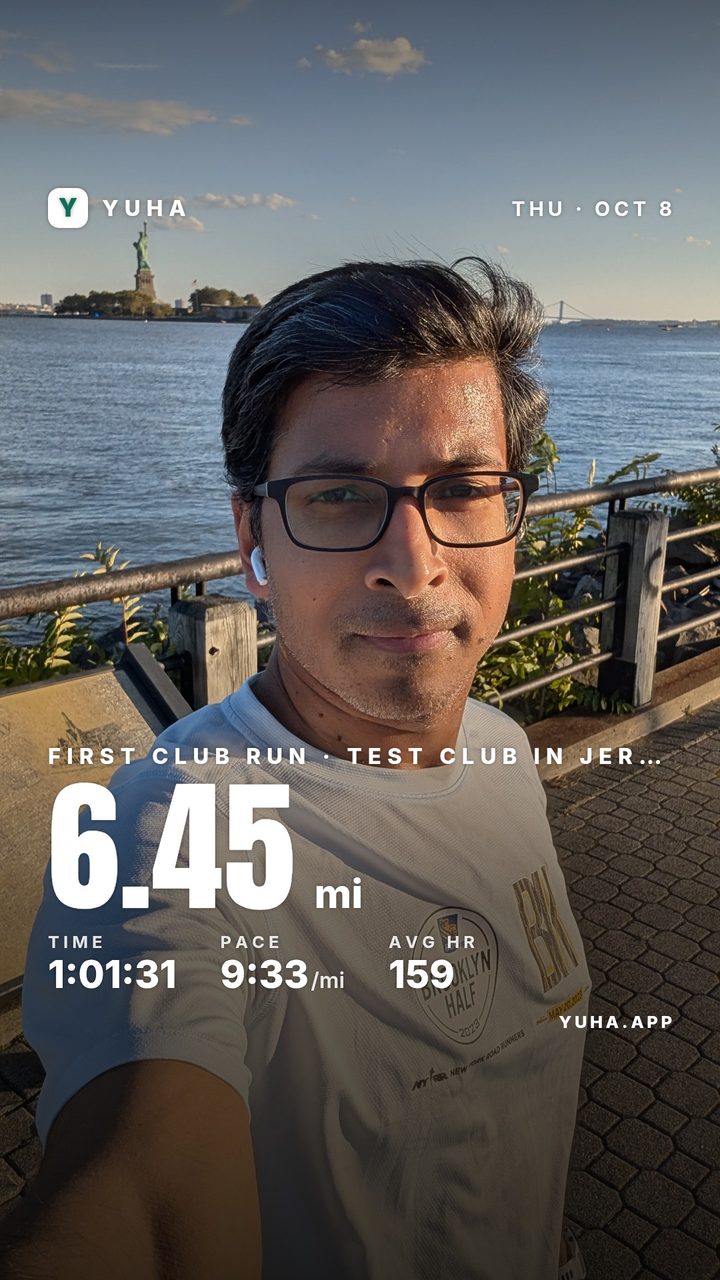
Card Studio starts from your own photo, or a built-in picture, and lets you place the pieces of the run where you want them.
Eight filters, and the numbers stay crisp
Place your route, your splits, your heart rate, the elevation, the three numbers, a highlight, a line of text and the date. The filters work on the picture alone, each with a strength slider, so the numbers on top never blur. Export the card as a Story, a Post or a Square.
A card for every kind of run.
Open Share on a run and swipe through its deck. The cards that fit the run come first; the rest wait behind More designs.
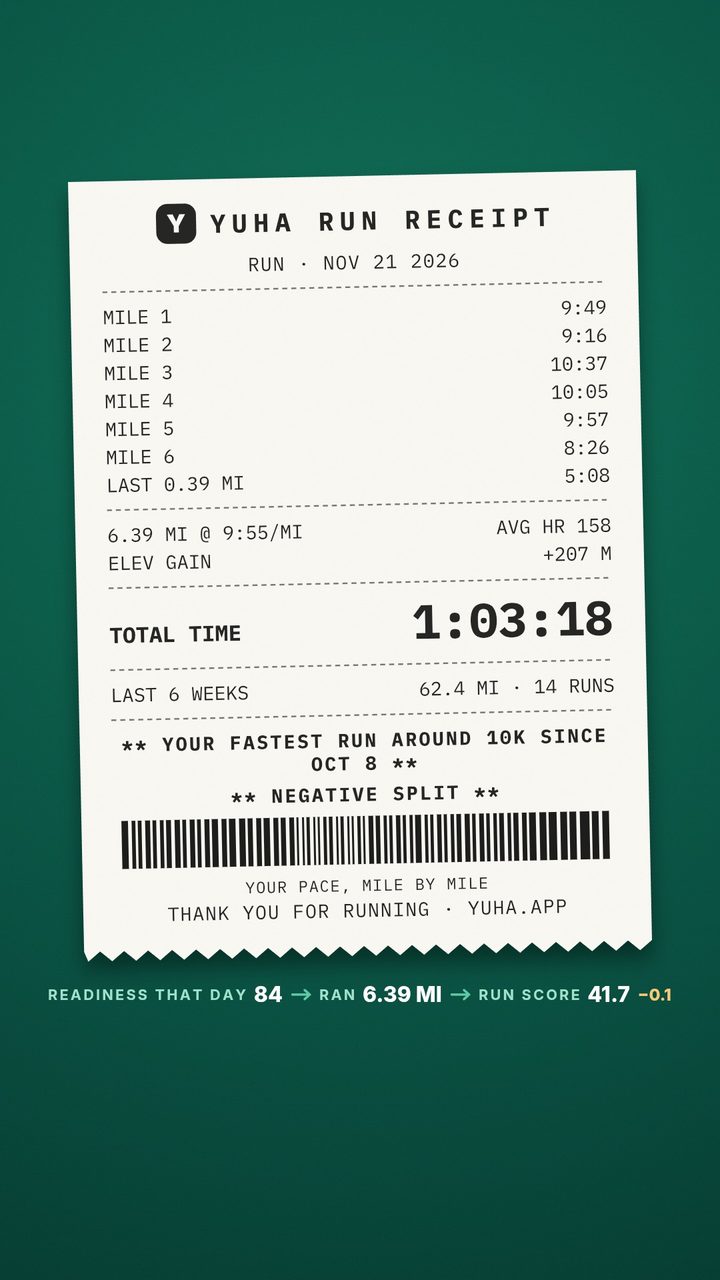
The Run receipt
Your pace, mile by mile, as a receipt: every split, the total time, the last 6 weeks of running, and a line only when the run earned it, such as your fastest run around 10K since a date, or a negative split.
Story card
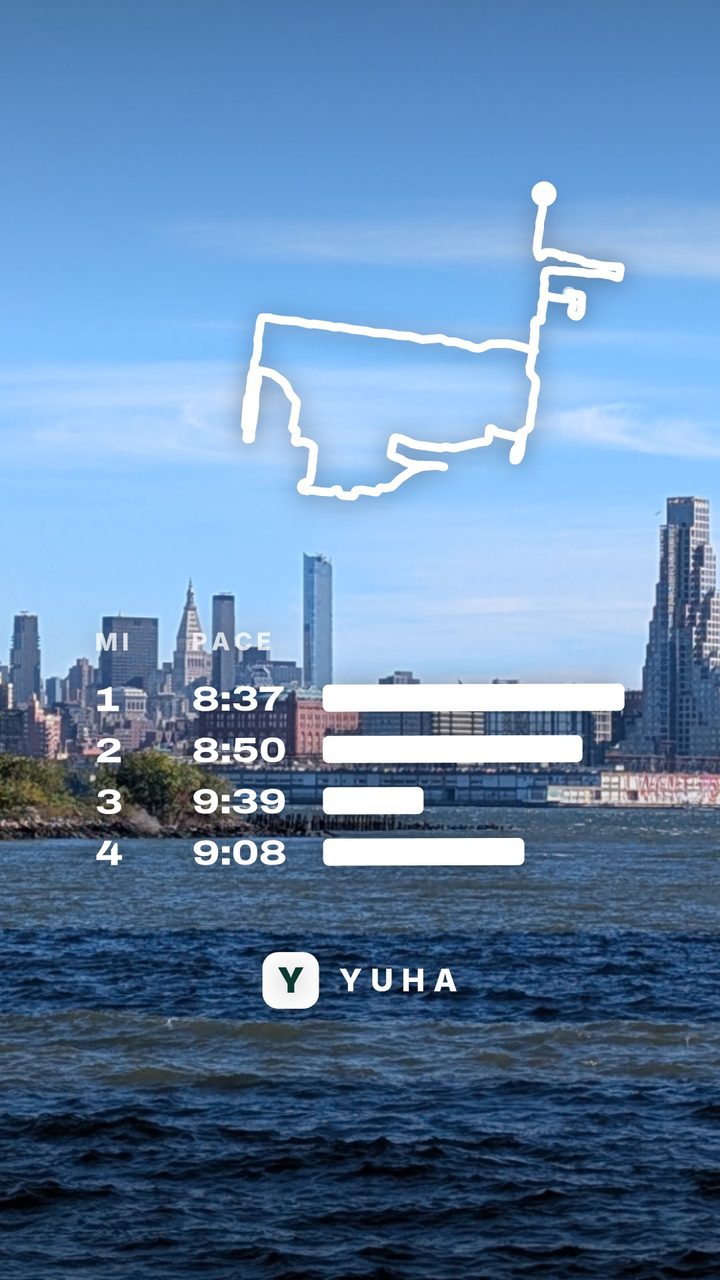
The run as one tall card for a Story: the headline, your numbers and your route.
Route card
Your route alone, drawn big, with the numbers under it.
Runs with a routeYour week
The week’s runs together, with this one lit, as a picture or a short video.
Finisher card
A race you finished: its name and your time, to the second.
RacesYour build
The weeks of training that led to the race.
RacesClub run
A run you joined as a club run: the club’s name, the day and time, your numbers, the route, and the club’s QR code so a friend can join.
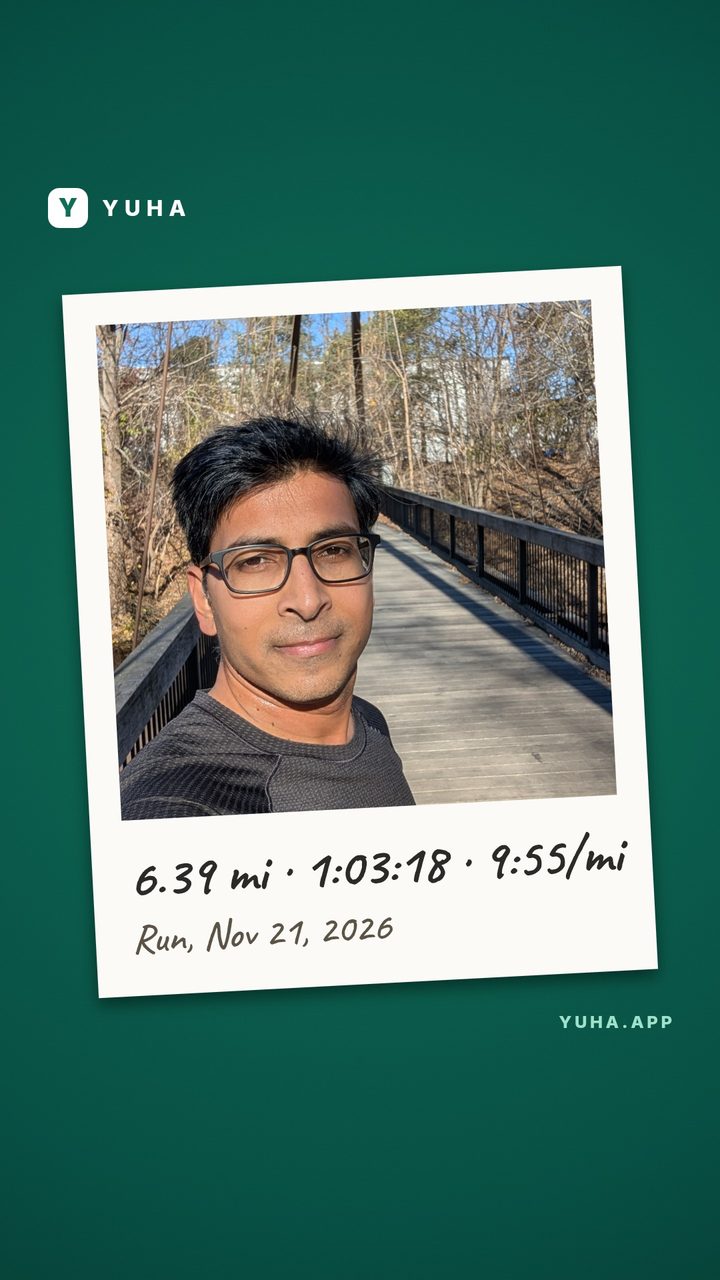
Run ClubsRun receipt, Polaroid, Month so far
Three more designs behind More designs: the run as a receipt, your photo in a frame, and the month’s running so far.
Your race film
After a marathon or a half you finished, a film of the training and then the race, replayed along the course, with a still card for each chapter.
Marathon and halfYour 2026
Your whole year as one film of about 60 seconds, told in chapters: the days, the distance, the places, the longest, the fastest, the races and the people you ran with.
December 1 to January 31Every number on the card is yours.
A card says "Fastest 5K in your YUHA history" when the run is, and says nothing when it is not. No guesses, no invented facts. The time is to the second.
The card and the video are drawn on your phone or computer from one read of your run, and go only where you send them.
On an everyday run the first and last stretch of the route are cut from every card and video. A race is a public course and is drawn whole.
Three taps from the run to the post.
Open the run
Any activity in YUHA, from your Garmin, Strava, Apple Health or Health Connect, or one you logged yourself. Tap Share.
Pick the card
Swipe through the deck. Play the Flyover, open Card Studio and make it yours, or take the Route card as it is.
Send it
To Instagram Stories, WhatsApp, Snapchat, TikTok or Messages, or save it.
On the web and in the iPhone and Android apps.
Questions
Which runs can I share?
Any activity YUHA has: a run from Garmin, Strava, Apple Health or Health Connect, or one you logged yourself. The Flyover and the Route card need a route, so they show on runs recorded with GPS.
Does a card show where I live?
No. On an everyday run the first and last stretch of the route are cut from every card and video, so where you start and stop stays private. A race is a public course and is drawn whole.
Can I use my own photo?
Yes. Card Studio builds the card on your own photo. The photo is read on your device, and the card is drawn there too.
Do I need the app?
No. Share works on the web and in the iPhone and Android apps. In the apps, Instagram Stories and Save to your photos are one tap. In a browser you share through its own share sheet where it can share a file, or save the file.